
Gigaisland - The Friendlier Side of Computer Services
Follow Us
  • Home
  • Why Gigaisland?
  • About Us
    • Our Company
    • Our Core Values
    • About Laine
  • Services
    • Cyber Security Assessment
    • Computing Infrastructure
    • Computer Support
    • Security
    • Backup
    • Email Security
    • Email Archiving
    • Corporate Services
  • Testimonials
  • Contact Us
    • Newsletter Signup
  • Remote Support
  • Blog

Gigaisland Tip Tuesday: Use Google Alerts to Automate Your Web Searches

3/8/2011

0 Comments

 
Picture
Aloha Everyone!  For a while I have been using Gmail and I've been a happy camper.  There are a lot of free tools that Gmail has built in.  One of them is to have Google do web searches for you daily and then have it email you.  This is a very handy tool and it's free.
Read More
0 Comments

Gigaisland Tip Tuesday: How To Activate An Window By Hovering Your Mouse Pointer Over It

2/22/2011

0 Comments

 
Picture
Aloha Everyone!  If you have multiple windows open at one time, then this tip will make it easier for you to activate them and save your index finger some extra work.  I've been using this and I'm glad I activated this feature.

Read More
0 Comments

Gigaisland Tip Tuesday: How to Set What Default Program to Open a Particular File Type

2/8/2011

0 Comments

 
Picture
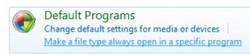
Aloha Everyone!  When you double click a picture file and it uses Windows Picture Viewer, but you would like it to open Google Picasa instead, how do you change the default program.  There is an easy way in Windows 7.


Read More
0 Comments

Gigaisland Tip Tuesday: How to Customize Your Start Menu in Windows 7

1/25/2011

0 Comments

 
Picture
Aloha Everyone! The Start Menu hasn't changed a whole bunch since Visa, but there are some improvements. The power button, which is in the screenshot below is defaulted to Shut Down, but you may change and many other things. Learn how.

Read More
0 Comments

Gigaisland Tip Tuesday: Using a Keyboard Shortcut For Maximizing and Minimizing a Window

12/21/2010

0 Comments

 
Picture
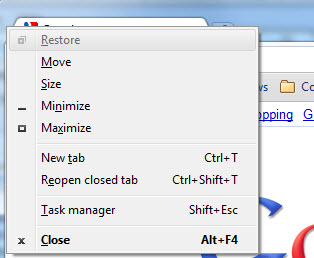
Aloha Everyone!  For those that have seen me use a computer I love keyboard shortcuts.  When you use a keyboard shortcut it is a lot faster than moving your mouse and performing that same step.  Here is a keyboard shortcut that allows you to maximize or minimize the window/application you are working in.

Read More
0 Comments

Gigaisland Software Sunday: Windows Tool to Help You Upgrade To Windows 7

12/5/2010

0 Comments

 
Picture
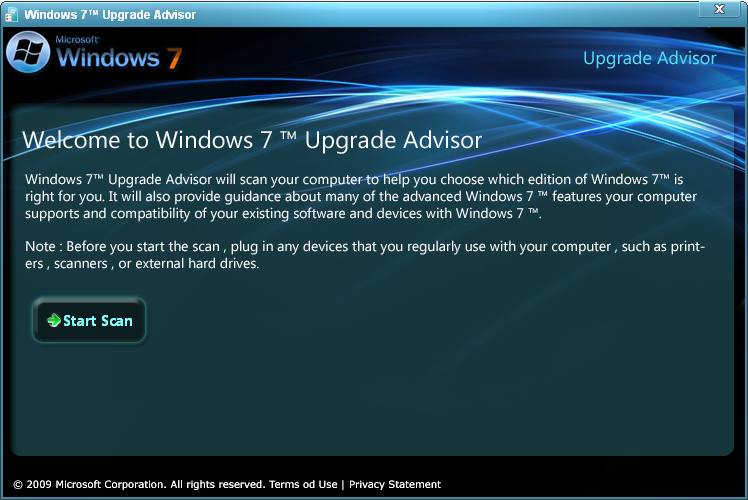
Aloha Everyone!  Windows 7 has been out for over a year now and if you are deciding to do an upgrade from Windows XP or Vista there is a free tool from Microsoft I would recommend you run before doing an upgrade.  The tool is called Windows 7 Upgrade Advisor.  


Read More
0 Comments

Gigaisland Apple Saturday: When iTunes and iPhone Won’t Play Nice Together

12/4/2010

0 Comments

 
Picture
Aloha Everyone!

Welcome to the new section called “Gigaisland Apple Saturday.” I figured since I had a bunch of topics and articles on the iPad, it was time to just dive in and encompass everything Apple. Here is the first post and many more for just Apple news, products (iPhone and of course iPad), reviews, etc.

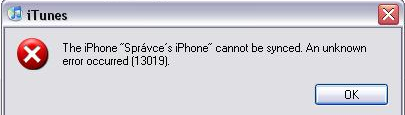
How many folks own or know someone that owns an iPhone? I know I can name a bunch of people. Well, if you are on a Mac and have issues getting your iPhone to sync with iTunes then check out these two solutions.


Read More
0 Comments

Gigaisland Tech Review Friday: Glasses to Help Keep Your Eyes Healthy

11/26/2010

0 Comments

 
Picture
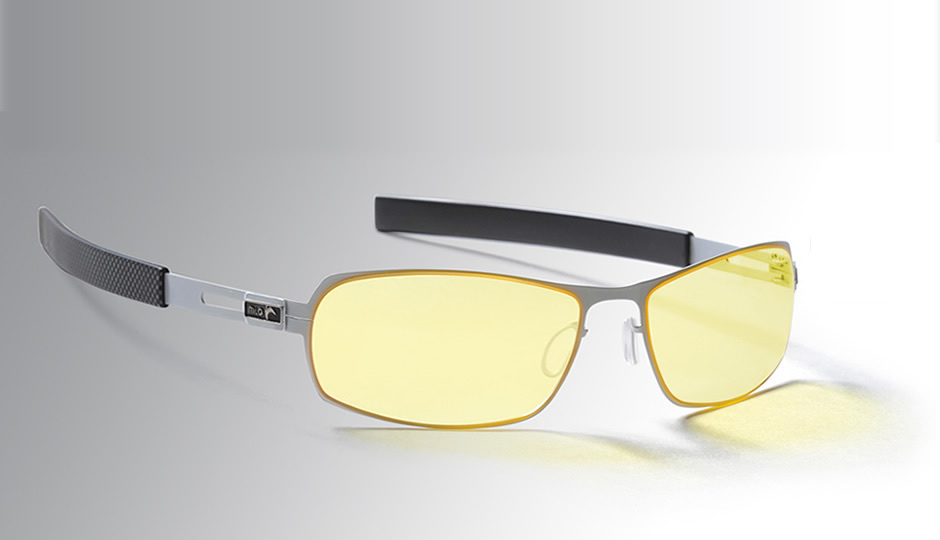
Aloha Everyone!  Anyone heard of CVS?  No, not the drugstore chain.  It stands for (Computer Vision Syndrome).  Symptoms of CVS include blurred vision, headaches, and dry or irritated eyes.  Being that I work in front of a computer all day long I was very interested in the Gunnar MLG Phantom glasses.

Read More
0 Comments

Gigaisland Tip Tuesday: How to Clean the Outside of your Laptop

11/23/2010

0 Comments

 
Picture
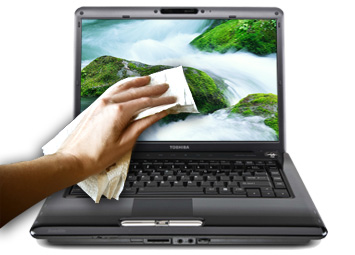
Aloha Everyone!  If you have a laptop you know that sometimes it can get a little dirty.  Well here are some tips to help you clean your laptop:

1. Clean the Screen – You may use distilled water or a mixture of 50 percent distilled water and 50 percent white vinegar.  Never use alcohol, ammonia, or solvents to clean your screen as it can damage it.

Read More
0 Comments

Gigaisland Software Sunday: Nitro PDF Reader

11/21/2010

0 Comments

 
Picture
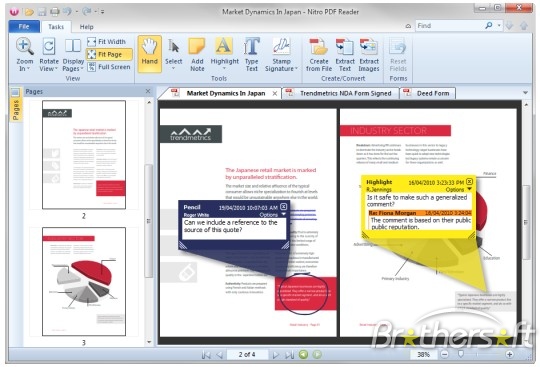
Aloha Everyone!  If you are tired of Adobe Reader and would like to try a new PDF reader than give Nitro PDF Reader a try.  Nitro PDF does a bunch of tasks that tend not to be free in a PDF reader.

Read More
0 Comments
<<Previous
Forward>>

    We Love to Help

    This tech blog filled with Aloha is here to help everyone on their journey with computer technology.  

    RSS Feed

    Categories

    All
    Apple
    Hardware Review
    How To
    Microsoft
    Security
    Software Review
    Tech Class
    Tech Tips

Picture